Beyond generating from scratch, AI offers img2img (transform existing images) and inpainting (edit specific areas).
Punti chiave:
- img2img transforms images while keeping composition
- Inpainting edits specific zones without affecting the rest
- Perfect for improving photos and fixing details
- Complements text-to-image generation
What Is img2img
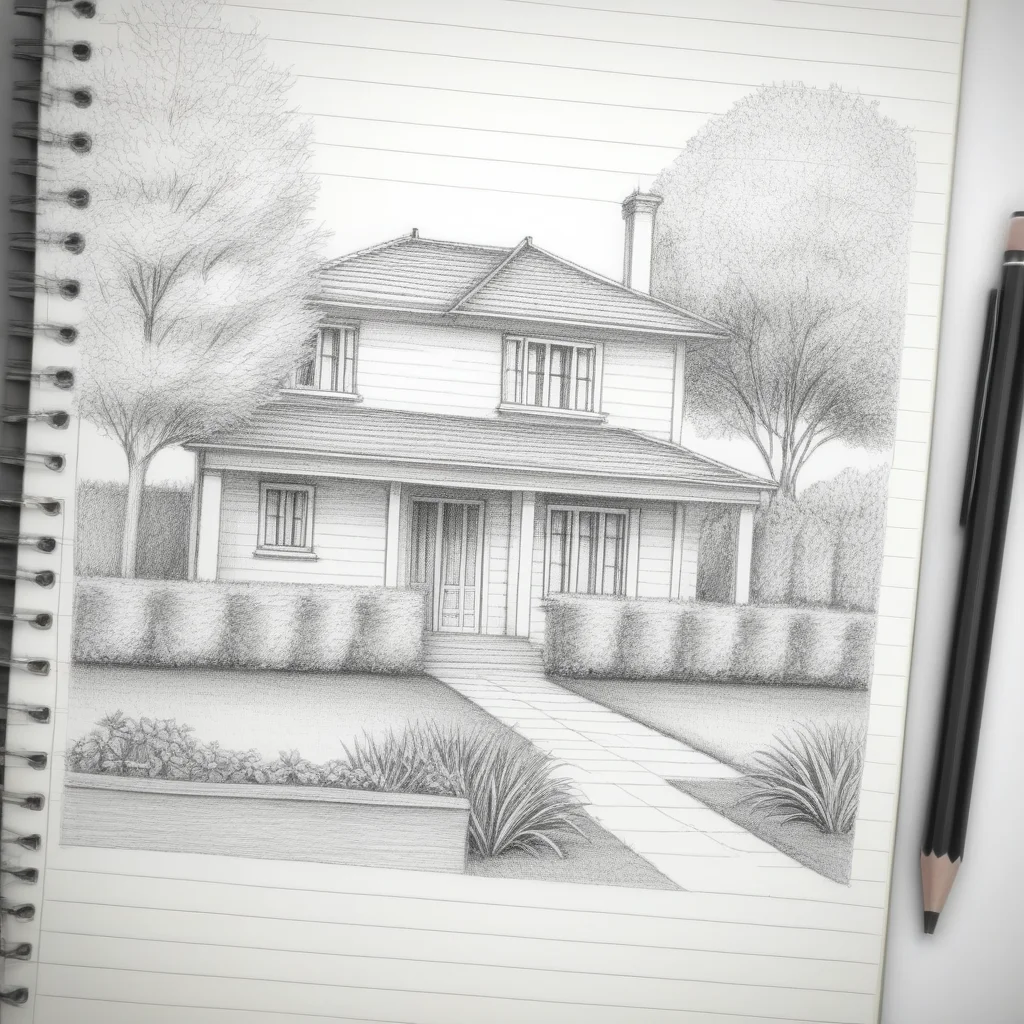
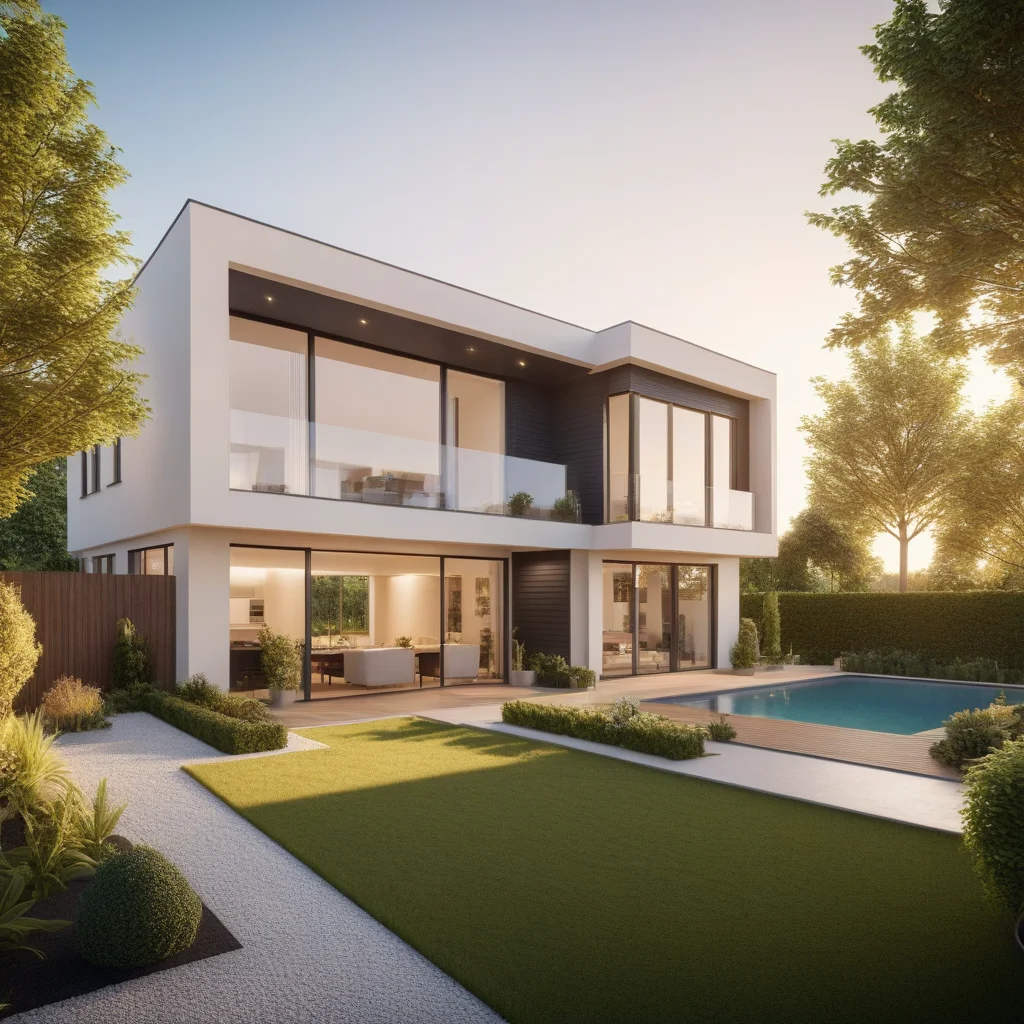
Takes an existing image and transforms it according to a prompt. Denoising strength controls change level: 0.3 = subtle, 0.7 = radical. Great for converting sketches, changing styles, upscaling.
What Is Inpainting
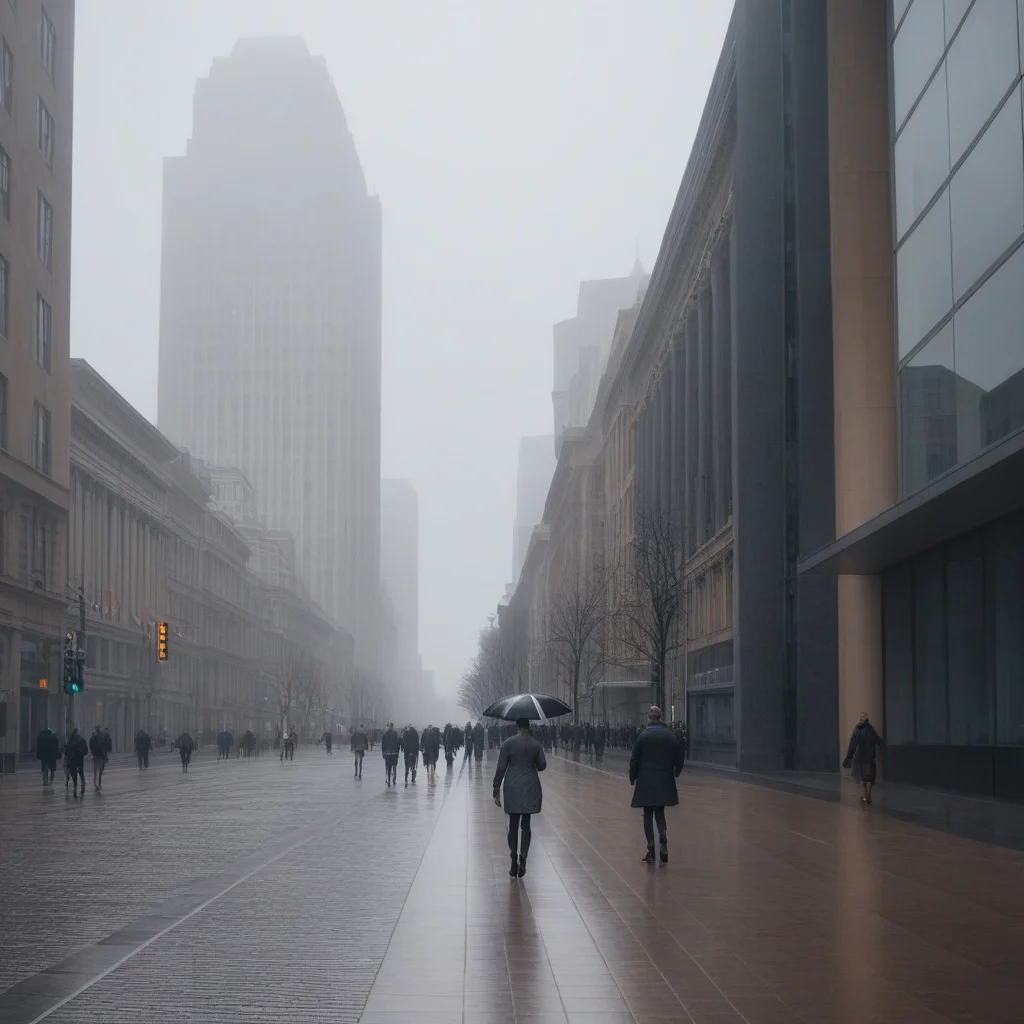
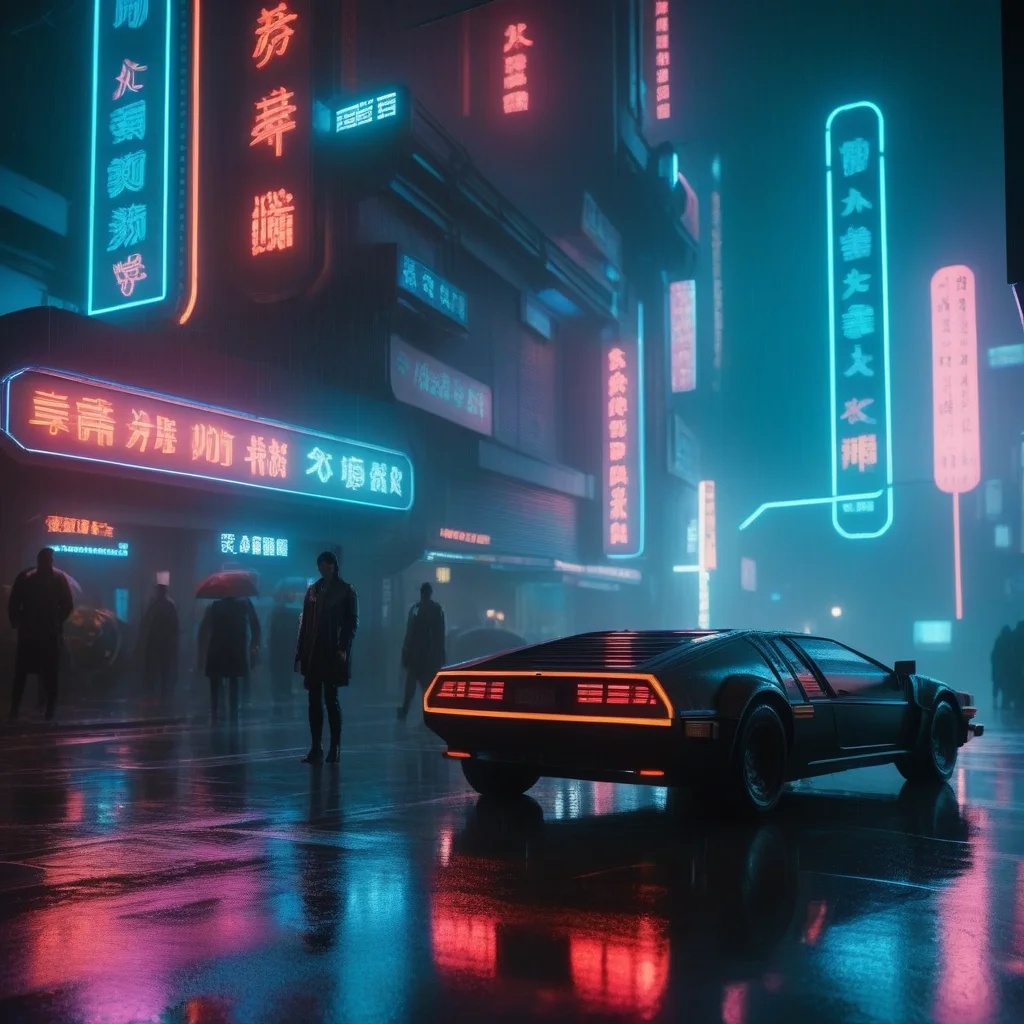
Select a zone and regenerate only that part. Like a “smart eraser”: remove objects, change backgrounds, add elements, fix hands or textures.
Step-by-Step Tutorial
img2img
- Upload base image.
- Write prompt.
- Adjust strength.
- Generate and compare.
Inpainting
- Upload and select mask tool.
- Paint over the area.
- Describe desired result.
- Only masked area changes.
Advanced Tips
Progressive iteration: Multiple passes at low strength. Wide mask: Select slightly more than the defect for natural transitions.
MitikAI: 5 immagini gratuite. Da 0,08€. Senza abbonamento. 20 stili artistici.
Domande Frequenti
Servono competenze di design?
No. Descrivi ciò che vuoi. MitikAI ha stili preimpostati.
Diritti d'autore?
Le immagini sono tue per uso commerciale. Senza filigrana.
Quanto costa?
Da 0,08€. Prime 5 gratuite. Senza abbonamento.