Beyond generating from scratch, AI offers img2img (transform existing images) and inpainting (edit specific areas).
Wichtige Punkte:
- img2img transforms images while keeping composition
- Inpainting edits specific zones without affecting the rest
- Perfect for improving photos and fixing details
- Complements text-to-image generation
What Is img2img
Takes an existing image and transforms it according to a prompt. Denoising strength controls change level: 0.3 = subtle, 0.7 = radical. Great for converting sketches, changing styles, upscaling.
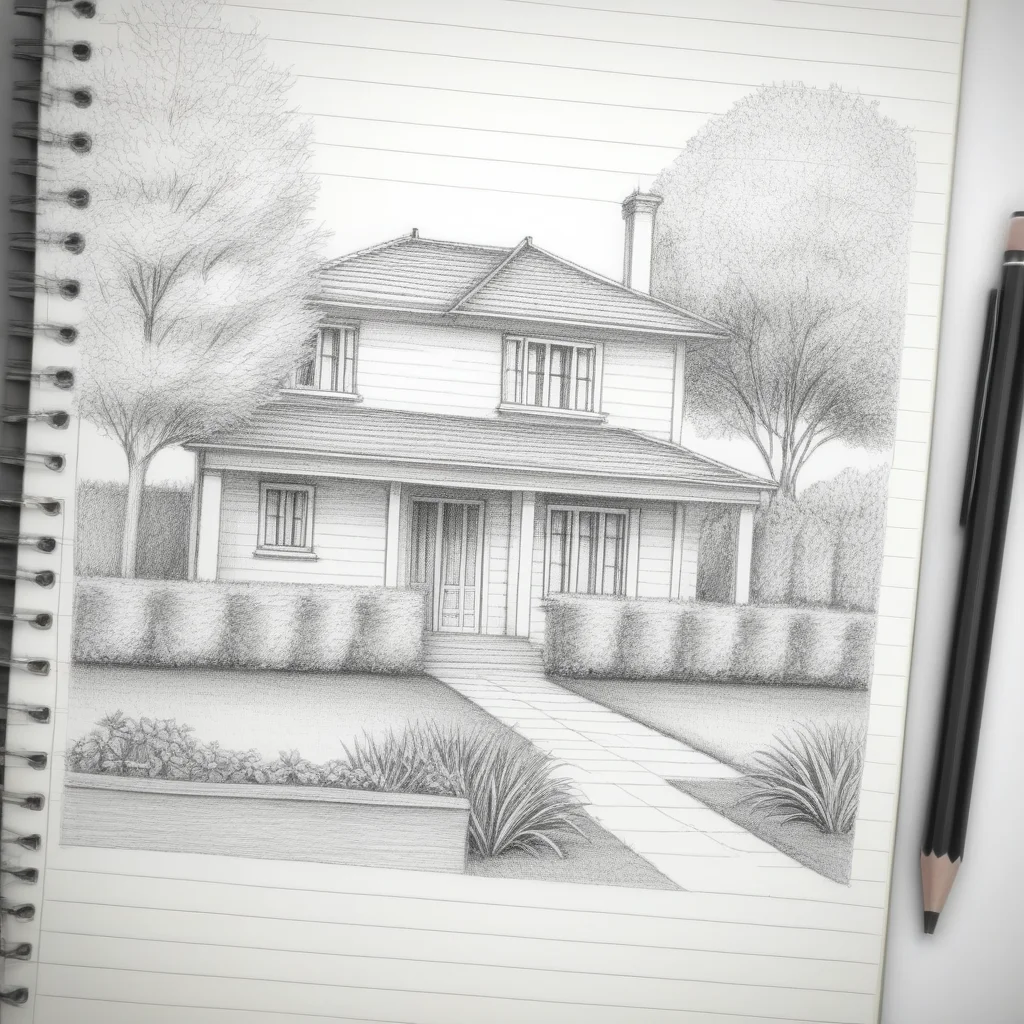
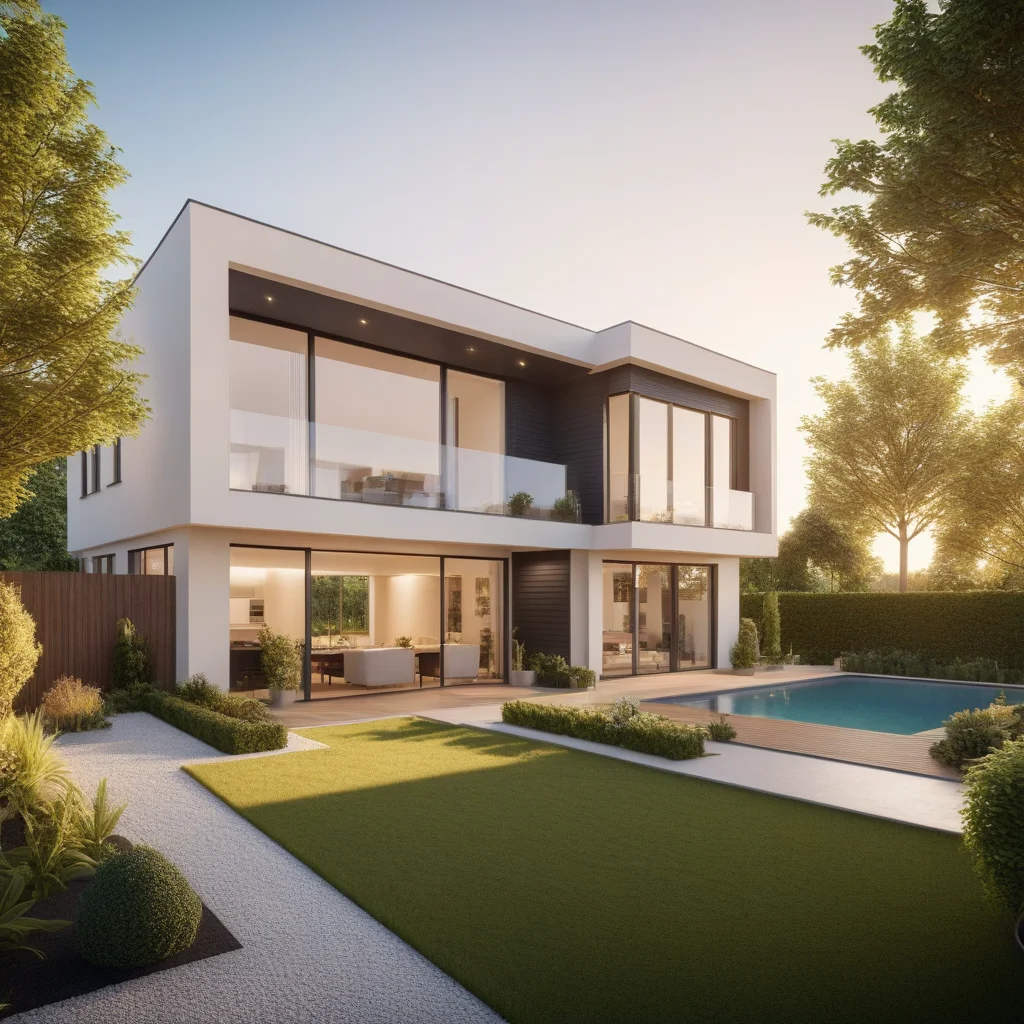
What Is Inpainting
Select a zone and regenerate only that part. Like a “smart eraser”: remove objects, change backgrounds, add elements, fix hands or textures.
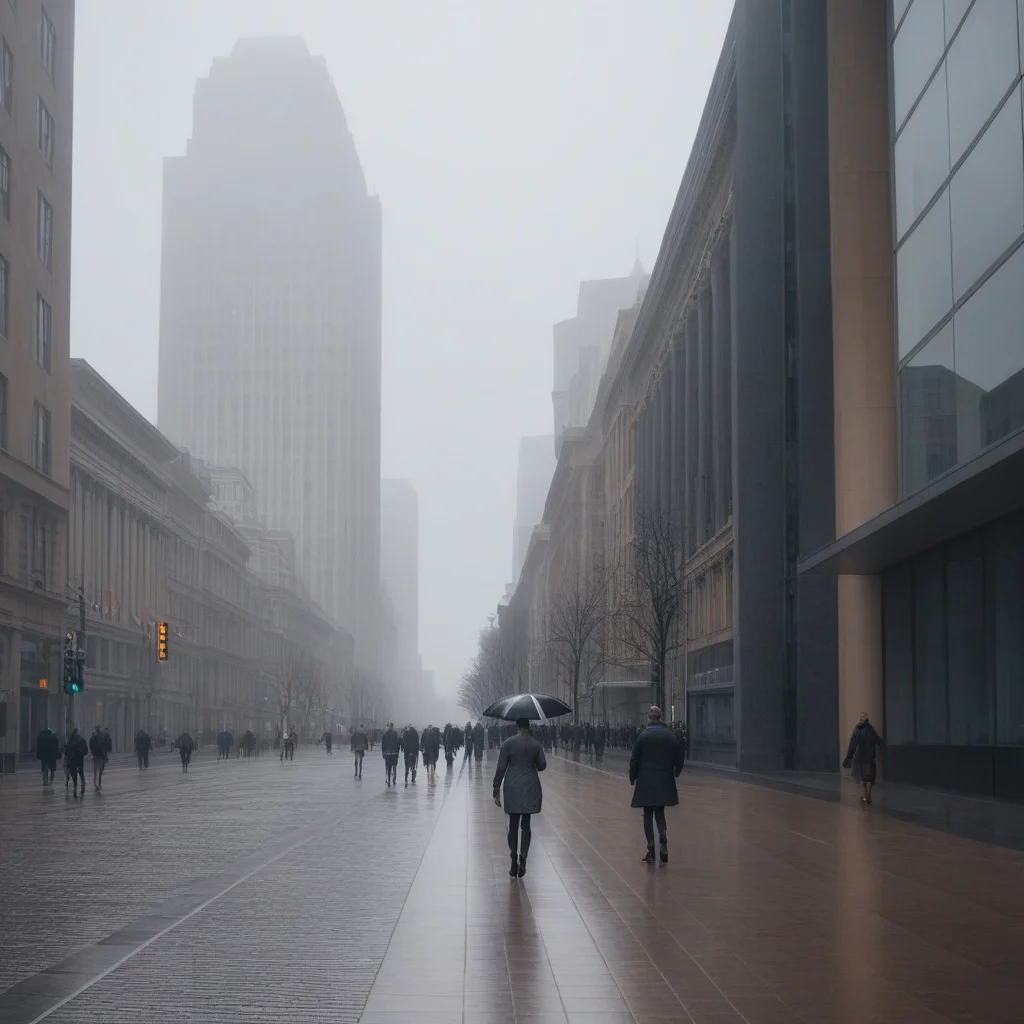
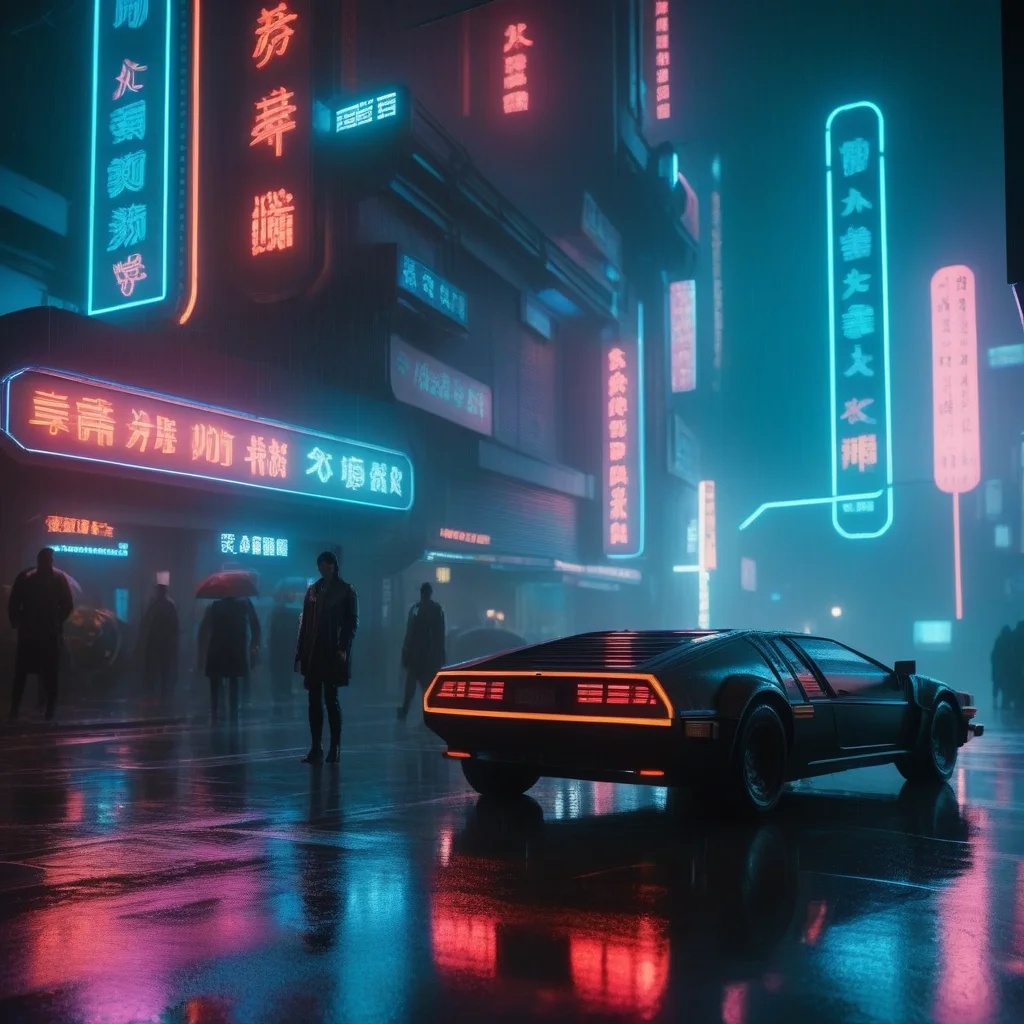
Step-by-Step Tutorial
img2img
- Upload base image.
- Write prompt.
- Adjust strength.
- Generate and compare.
Inpainting
- Upload and select mask tool.
- Paint over the area.
- Describe desired result.
- Only masked area changes.
Advanced Tips
Progressive iteration: Multiple passes at low strength. Wide mask: Select slightly more than the defect for natural transitions.
MitikAI: 5 kostenlose Bilder. Ab 0,08€. Ohne Abo. 20 Kunststile.
Häufig Gestellte Fragen
Brauche ich Design-Kenntnisse?
Nein. Beschreibe was du möchtest. MitikAI hat voreingestellte Stile.
Urheberrecht?
Bilder gehören dir für kommerzielle Nutzung. Ohne Wasserzeichen.
Was kostet es?
Ab 0,08€. 5 kostenlos. Ohne Abo.