Beyond generating from scratch, AI offers img2img (transform existing images) and inpainting (edit specific areas).
Key takeaways:
- img2img transforms images while keeping composition
- Inpainting edits specific zones without affecting the rest
- Perfect for improving photos and fixing details
- Complements text-to-image generation
What Is img2img
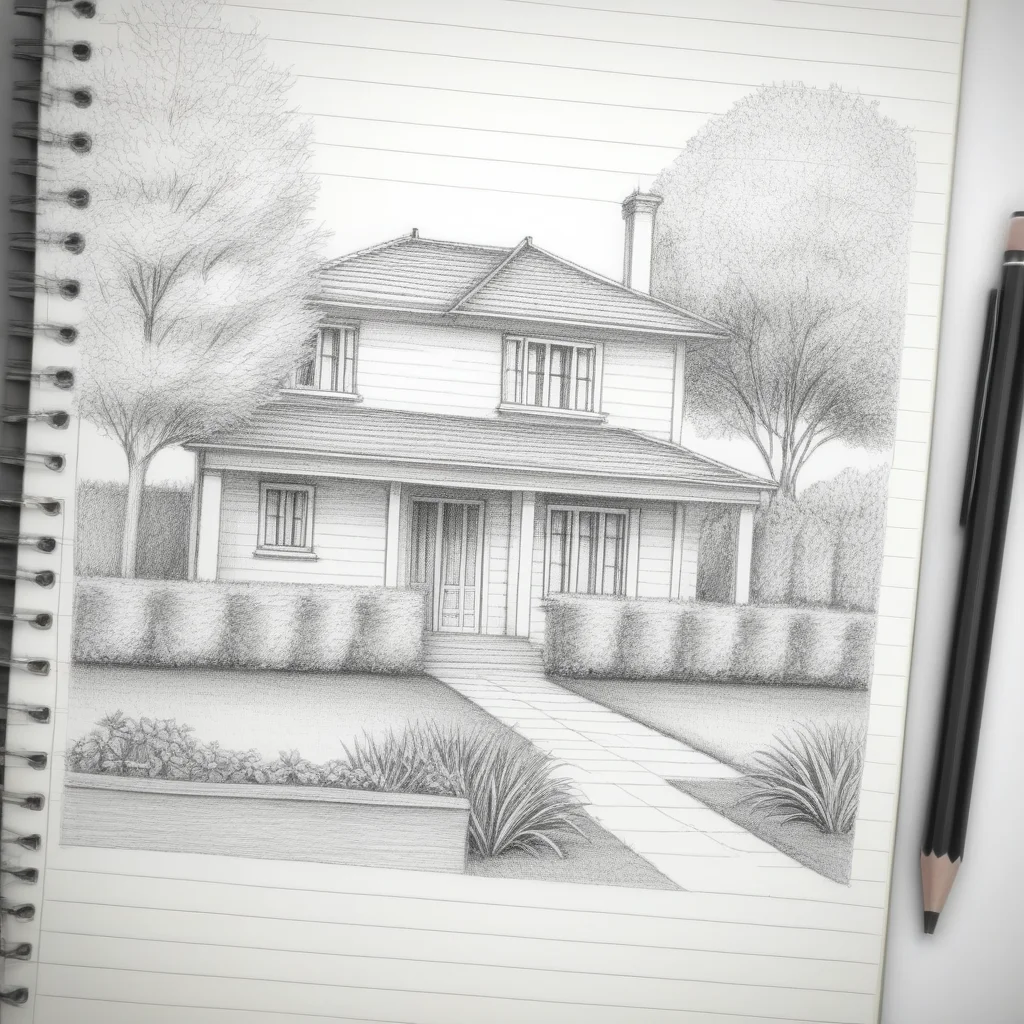
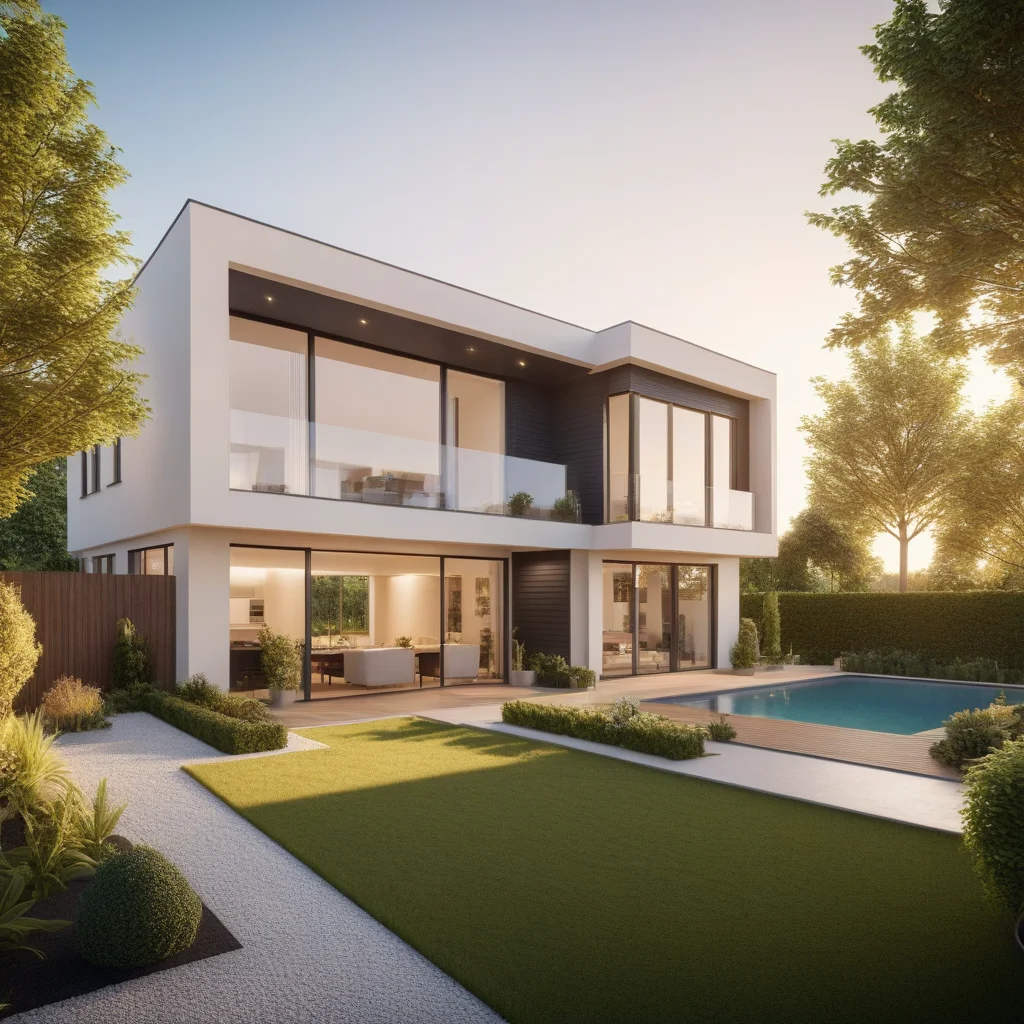
Takes an existing image and transforms it according to a prompt. Denoising strength controls change level: 0.3 = subtle, 0.7 = radical. Great for converting sketches, changing styles, upscaling.
What Is Inpainting
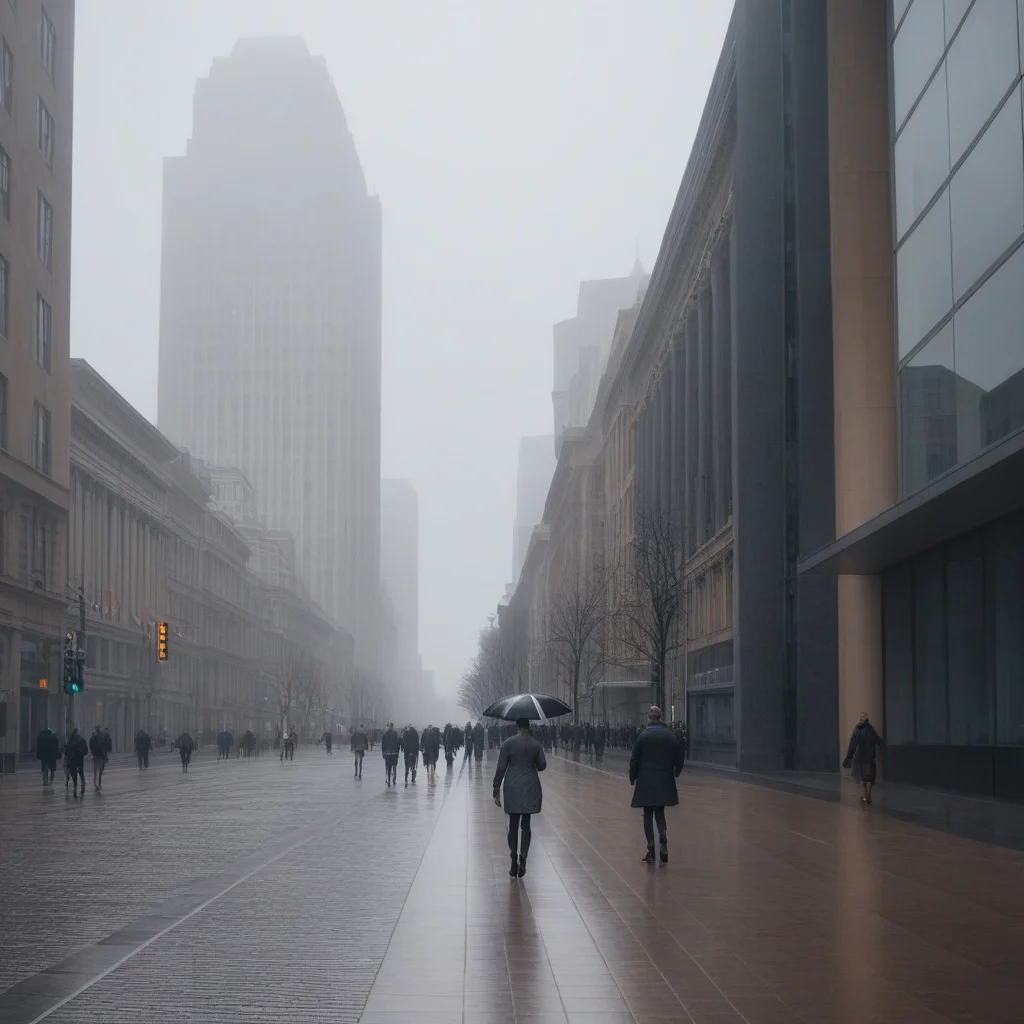
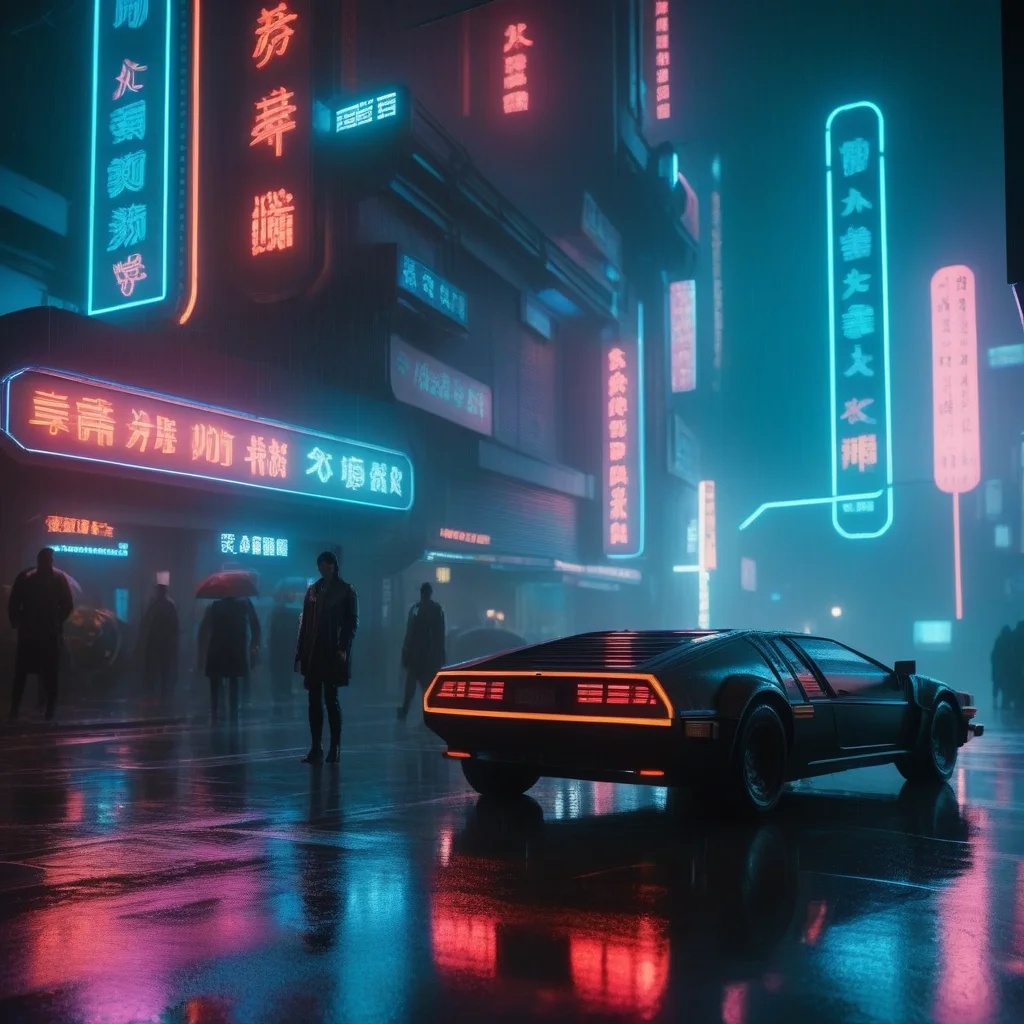
Select a zone and regenerate only that part. Like a “smart eraser”: remove objects, change backgrounds, add elements, fix hands or textures.
Step-by-Step Tutorial
img2img
- Upload base image.
- Write prompt.
- Adjust strength.
- Generate and compare.
Inpainting
- Upload and select mask tool.
- Paint over the area.
- Describe desired result.
- Only masked area changes.
Advanced Tips
Progressive iteration: Multiple passes at low strength. Wide mask: Select slightly more than the defect for natural transitions.
MitikAI: 5 free images on signup. From €0.08 per image. No subscription. 20 artistic styles.
Frequently Asked Questions
How much does it cost?
From €0.08. 5 free images. No subscription.
Do I need experience?
No. MitikAI has 20 preset styles that simplify everything.
Can I use images commercially?
Yes. Images are yours for any use, no watermark.