Generating images with AI is easier than you think. This tutorial guides you step by step from signup to downloading your first professional image with MitikAI.
Key takeaways:
- How to sign up and get 5 free images
- Techniques for effective prompts
- Differences between 20 artistic styles
- How to adjust parameters for optimal results
Sign Up and First Steps
You only need an email. Registration takes under a minute, no credit card:
- Access MitikAI from the navigation menu.
- Enter email and password.
- Confirm with verification code.
- Get 5 free image credits.
Each credit = one generation. Top up from €0.08, no subscription.
Writing a Good Prompt
The prompt is your text description for the AI. Quality directly depends on your prompt.
Structure: [Subject] + [Details] + [Lighting] + [Style]
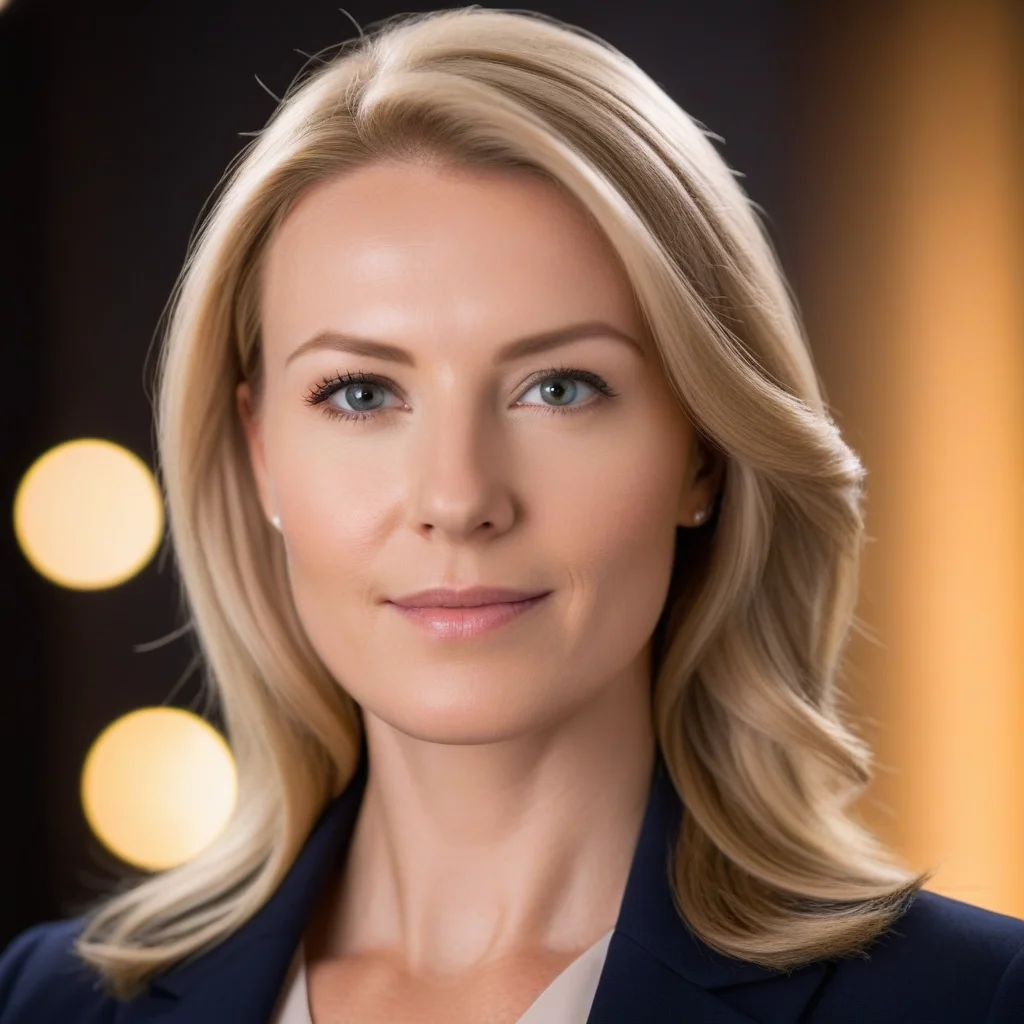
Example: “Professional portrait of smiling young woman, blurred office background, soft natural lighting, studio photography, high resolution”
- Be specific
- Describe lighting
- Indicate framing
- Mention quality
Choosing the Artistic Style
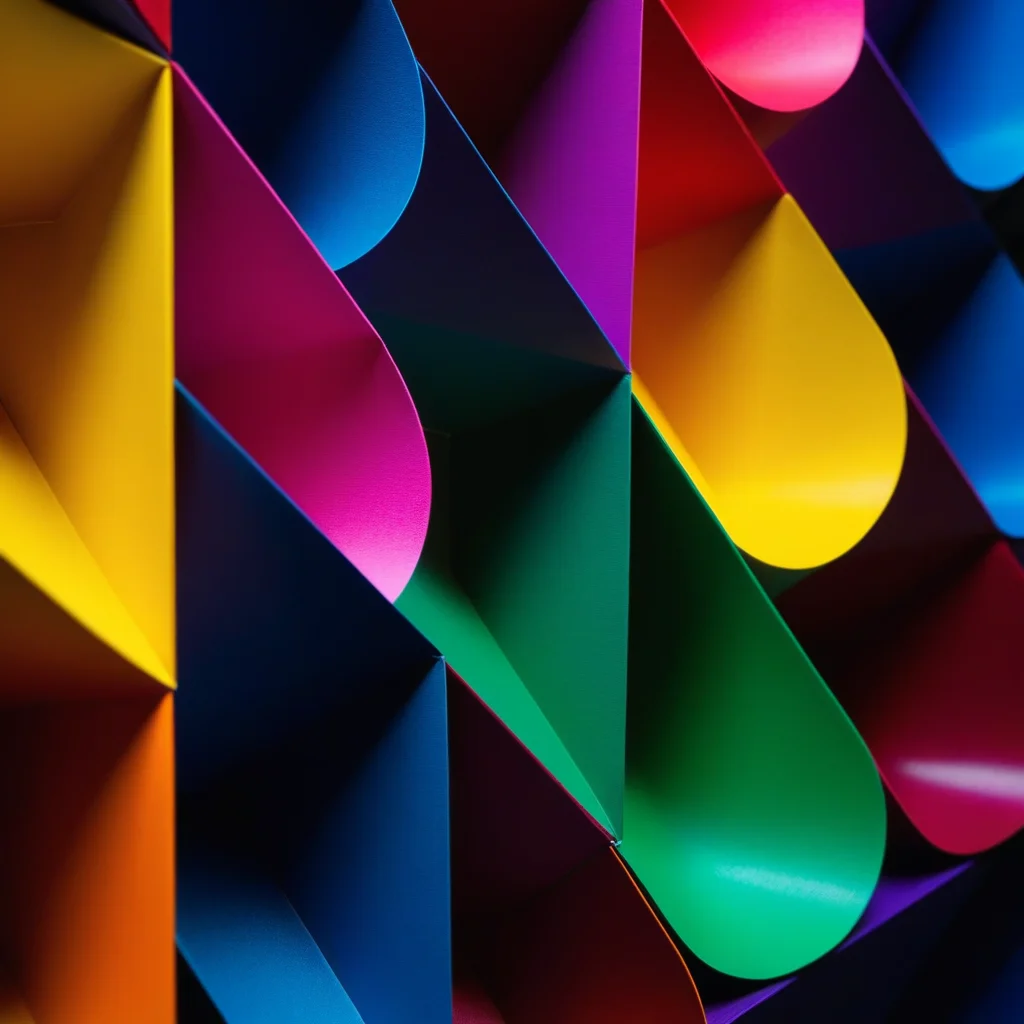
MitikAI offers 20 preset styles:
- Photographic — Hyperrealistic.
- Digital illustration — For blogs and social.
- Anime — Japanese aesthetics.
- Watercolor — Organic textures.
- Cinematic — Movie look.
- Minimalist — Clean designs.
Advanced Parameters
- Aspect ratio — 1:1, 16:9, or 9:16.
- Guidance scale — How closely AI follows prompt.
- Seed — Reproduce results.
- Negative prompt — What NOT to include.
Download and Use
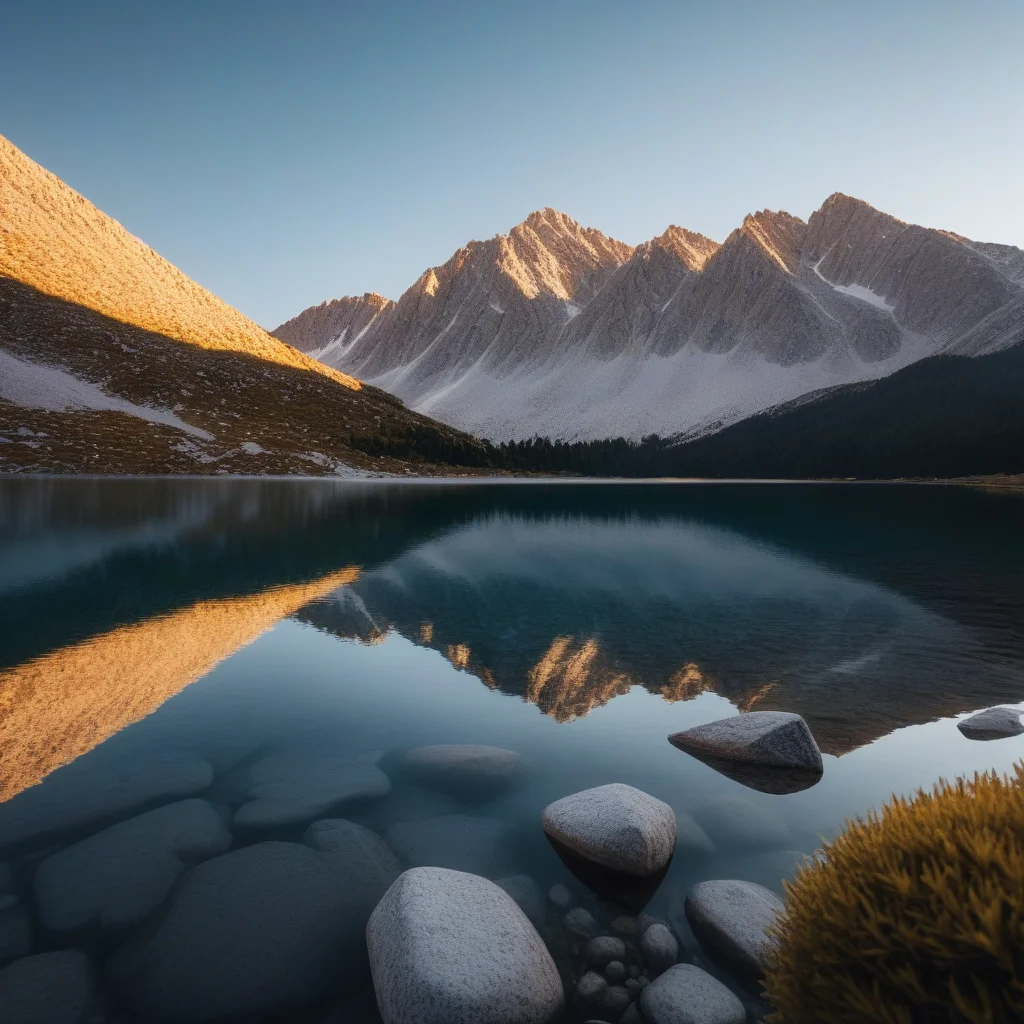
Formats: WebP, PNG, JPG. Images are yours for commercial use, no watermark.
MitikAI: 5 free images on signup. From €0.08 per image. No subscription. 20 artistic styles.
Frequently Asked Questions
Can I write prompts in any language?
Yes. MitikAI accepts prompts in any language.
How long does it take?
Usually 5-15 seconds.
Can I edit generated images?
Yes, with img2img or inpainting.
Is there a limit?
No. Generate as many as you have credits. Top up from €0.08.