Generating images with AI is easier than you think. This tutorial guides you step by step from signup to downloading your first professional image with MitikAI.
Punti chiave:
- How to sign up and get 5 free images
- Techniques for effective prompts
- Differences between 20 artistic styles
- How to adjust parameters for optimal results
Sign Up and First Steps
You only need an email. Registration takes under a minute, no credit card:
- Access MitikAI from the navigation menu.
- Enter email and password.
- Confirm with verification code.
- Get 5 free image credits.
Each credit = one generation. Top up from €0.08, no subscription.
Writing a Good Prompt
The prompt is your text description for the AI. Quality directly depends on your prompt.
Structure: [Subject] + [Details] + [Lighting] + [Style]
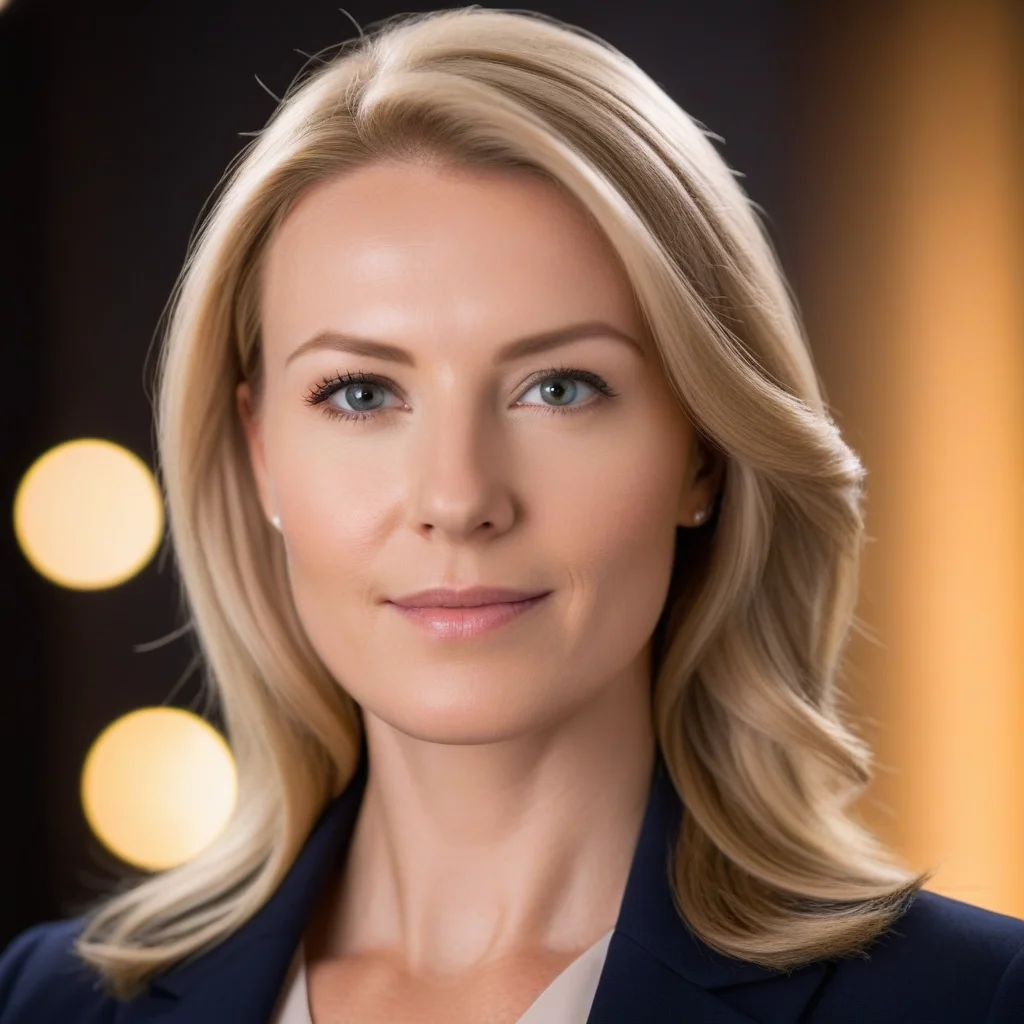
Example: “Professional portrait of smiling young woman, blurred office background, soft natural lighting, studio photography, high resolution”
- Be specific
- Describe lighting
- Indicate framing
- Mention quality
Choosing the Artistic Style
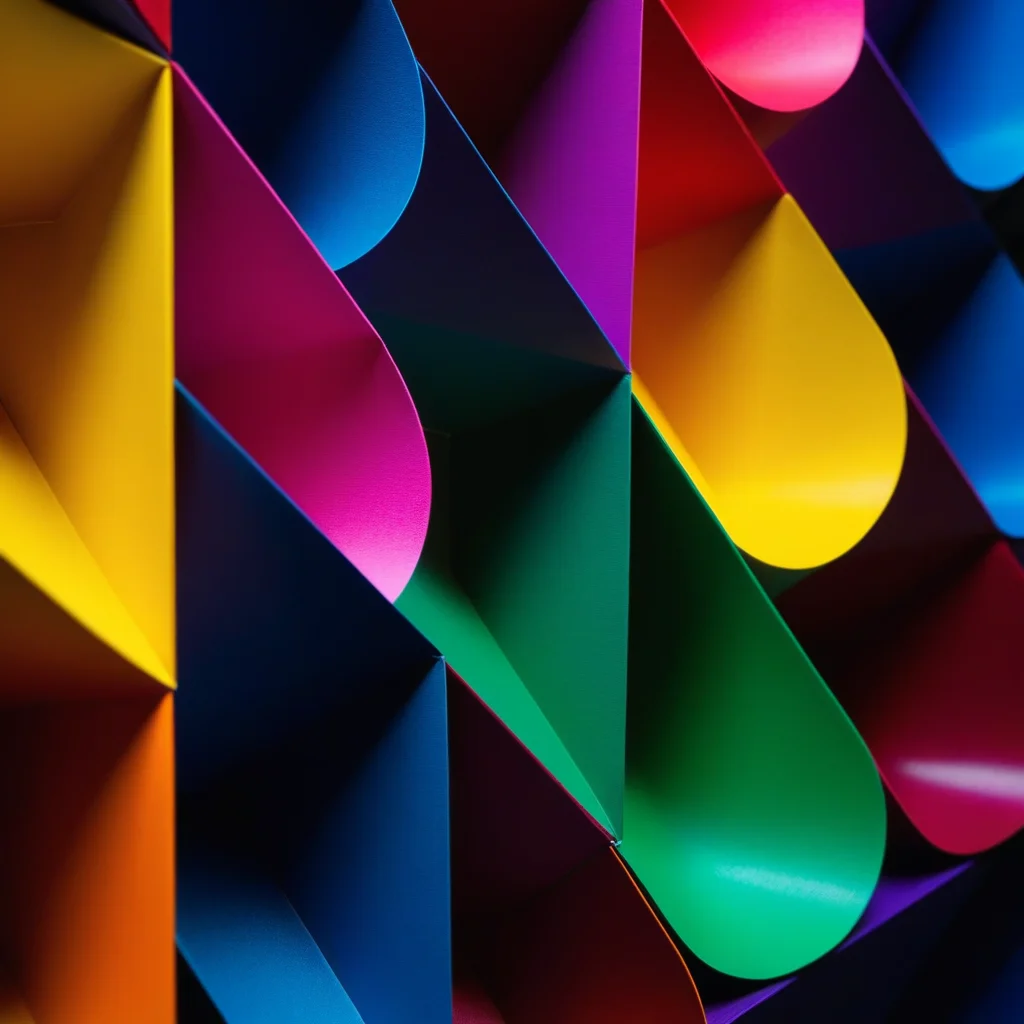
MitikAI offers 20 preset styles:
- Photographic — Hyperrealistic.
- Digital illustration — For blogs and social.
- Anime — Japanese aesthetics.
- Watercolor — Organic textures.
- Cinematic — Movie look.
- Minimalist — Clean designs.
Advanced Parameters
- Aspect ratio — 1:1, 16:9, or 9:16.
- Guidance scale — How closely AI follows prompt.
- Seed — Reproduce results.
- Negative prompt — What NOT to include.
Download and Use
Formats: WebP, PNG, JPG. Images are yours for commercial use, no watermark.
MitikAI: 5 immagini gratuite. Da 0,08€. Senza abbonamento. 20 stili artistici.
Domande Frequenti
Servono competenze di design?
No. Descrivi ciò che vuoi. MitikAI ha stili preimpostati.
Diritti d'autore?
Le immagini sono tue per uso commerciale. Senza filigrana.
Quanto costa?
Da 0,08€. Prime 5 gratuite. Senza abbonamento.