Negative prompts are the key tool for eliminating defects and unwanted elements from your AI-generated images. Learning to use them correctly can transform a mediocre result into a professional-quality creation.
Key takeaways:
- Tell the model what NOT to include in the image
- Remove artifacts like watermarks, text, or distortions
- Improve overall quality of portraits, products, and landscapes
- Can be weighted to control their intensity
What Are Negative Prompts
A negative prompt is an instruction that tells the AI model which elements to avoid when generating an image. While the positive prompt describes what you want to see, the negative prompt defines what should not appear. In MitikAI you can combine both for much more precise and professional results. This technique is especially useful for eliminating common artifacts such as extra fingers, illegible text, or cluttered backgrounds.
Syntax and Structure
The structure of a negative prompt is straightforward: list the unwanted elements separated by commas. Place the most critical defects first since order affects priority. For example: “low quality, blurry, watermark, text, deformed fingers”. You can be as specific as needed, from general concepts like “ugly” to technical details like “chromatic aberration”. The key is being clear and direct without overloading the list.
Examples by Category
Portraits
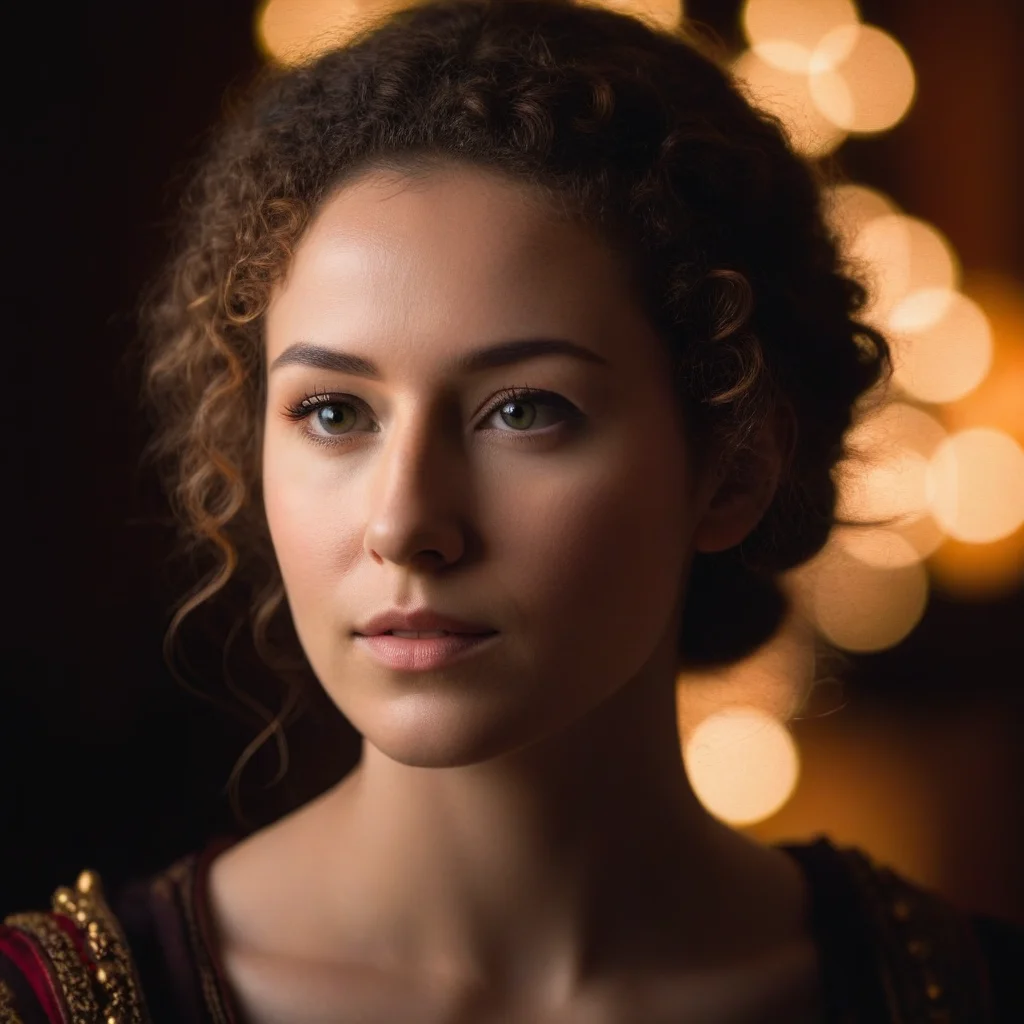
For professional portraits use: “deformed, asymmetric eyes, extra fingers, malformed teeth, low quality, blurry”. This eliminates the most common artifacts in AI-generated faces and ensures natural proportions.
Products
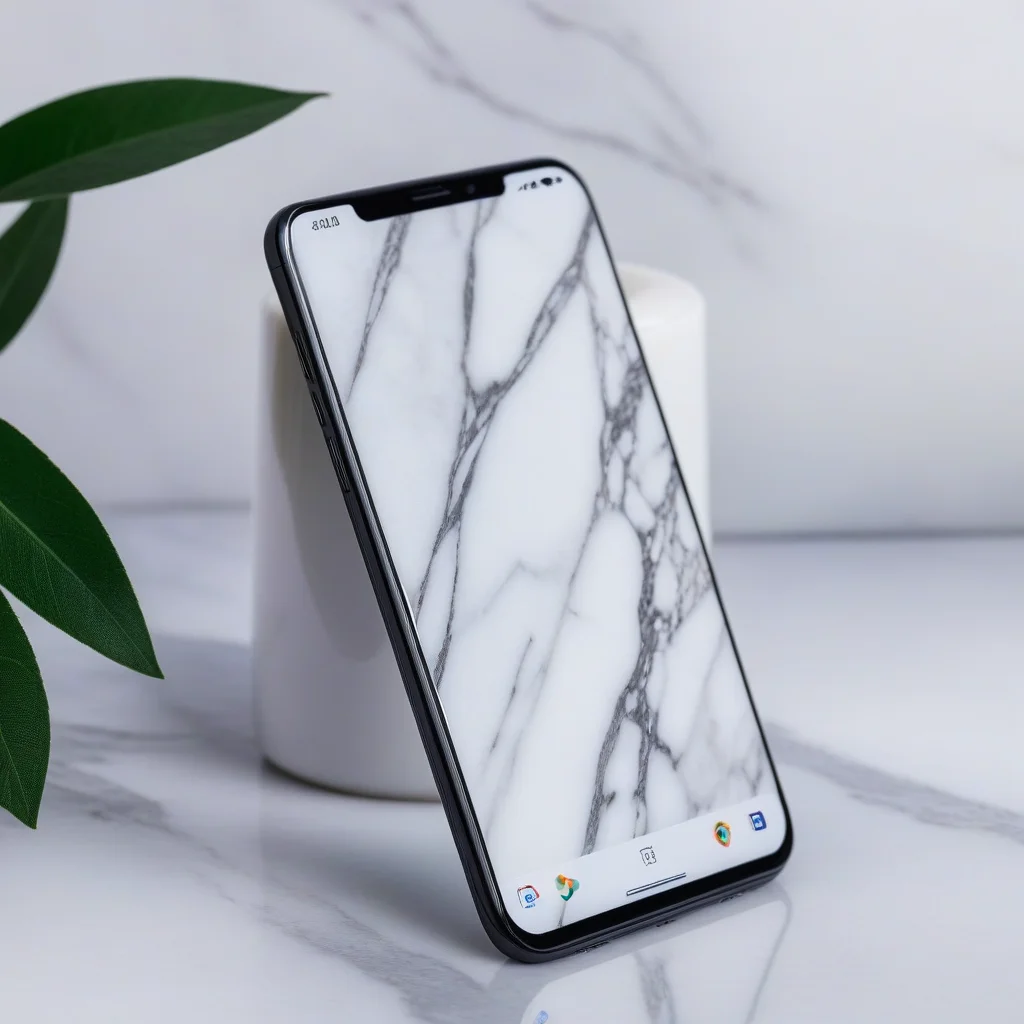
For product photography include: “cluttered background, harsh shadows, text, watermark, low resolution, unwanted reflections”. You will get clean backgrounds and professionally lit products.
Landscapes
For natural scenes: “people, modern buildings, power lines, litter, overexposed sky, digital artifacts”. Keep your natural scenes free of elements that break the composition.
Advanced Techniques
Weighted negative prompts let you assign more or less importance to each unwanted element, controlling how strongly the model avoids them. A common mistake is including too many contradictory terms, which can confuse the model and produce unpredictable results. Another frequent error is using negative prompts that contradict the positive prompt: if you request “person at the beach” and negate “water”, the outcome will be incoherent. Experiment with short, specific lists and add terms progressively to find the perfect balance.
MitikAI: 5 free images on signup. From €0.08 per image. No subscription. 20 artistic styles.
Frequently Asked Questions
How much does it cost?
From €0.08 per image. 5 free images on signup. No subscription required.
Do I need design experience?
No. MitikAI has 20 preset styles and an intuitive interface that simplifies everything.
Can I use the images commercially?
Yes. Generated images are yours for any commercial use, without watermarks.