AI-generated profile photos have become the professional alternative to traditional photo sessions. Whether it’s for your LinkedIn profile, a résumé, a corporate website or your social media accounts, a quality headshot conveys trust and credibility at first glance. With MitikAI you can generate professional portraits in seconds, without a photographer, studio or special lighting equipment.
Key takeaways:
- Professional headshots generated in seconds
- Multiple backgrounds and lighting styles
- Consistent quality for teams and companies
- From €0.08 vs €100+ for a photo session
LinkedIn & Professional Profiles
LinkedIn is the world’s largest professional network, and your profile photo is the first thing recruiters, clients and contacts see. Profiles with a professional photo receive up to 21 times more views and 36 times more messages than those without an image or with a low-quality photo. A corporate headshot conveys seriousness, approachability and competence.
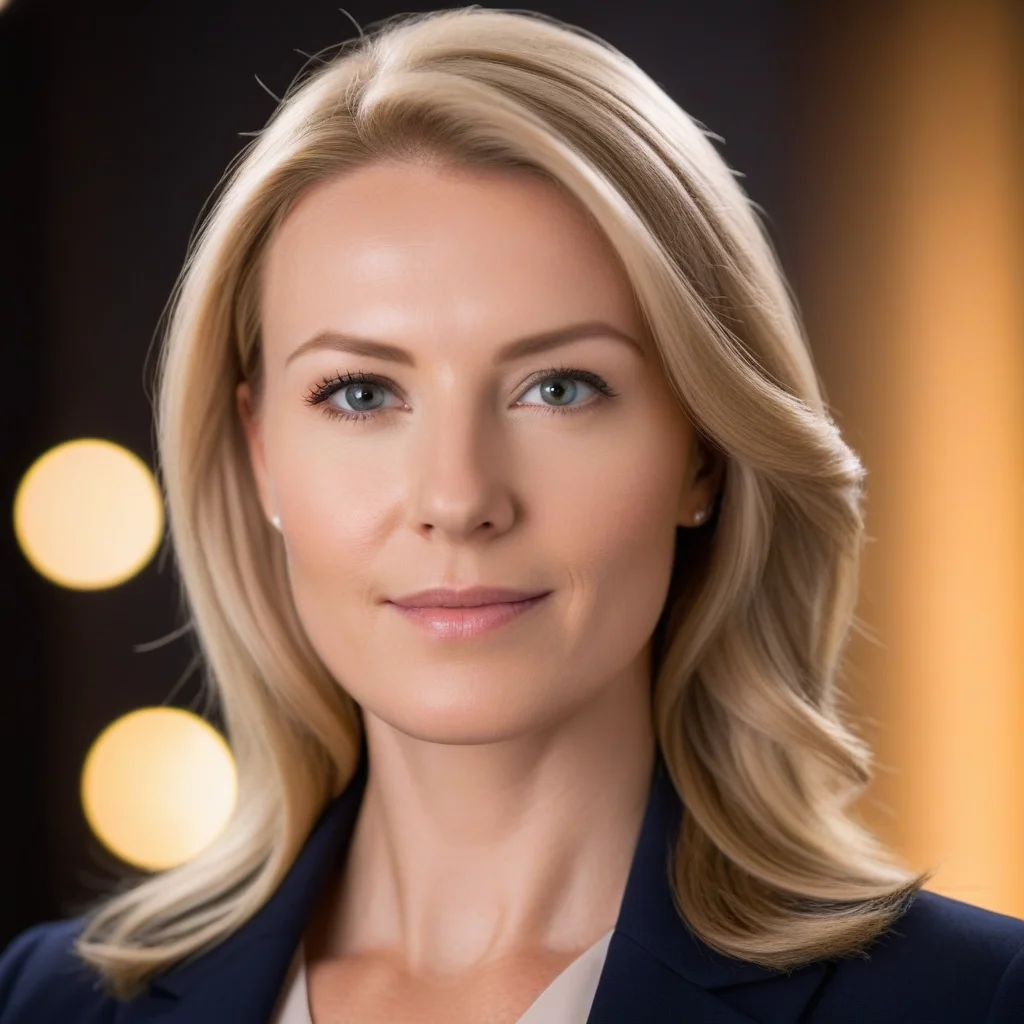
With MitikAI you can generate headshots with neutral corporate backgrounds, soft studio lighting and a friendly expression. Try prompts like: “Professional headshot, clean corporate background, soft studio lighting, friendly smile, high resolution, business attire”. You can also choose gradient backgrounds, blurred offices or solid colours depending on your industry.
For company teams, AI guarantees visual coherence: the same lighting style, the same type of background and the same resolution for every member. Something that with traditional photography requires coordinating schedules and repeating sessions.
Best Styles for Headshots
The Photographic style is the best choice for portraits that need to look real: it produces hyper-realistic results with natural skin textures, eye reflections and soft background bokeh. It is ideal for LinkedIn, résumés and corporate pages where authenticity matters.
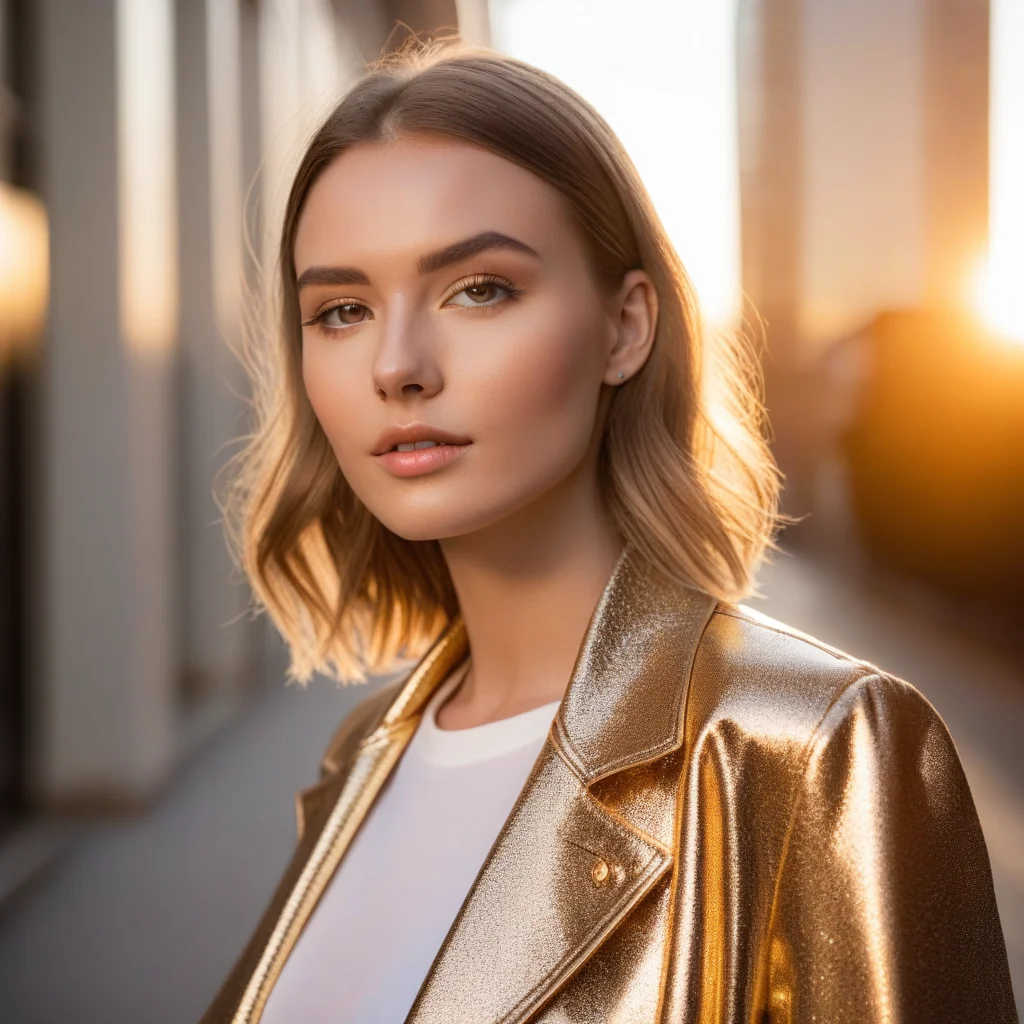
The Portrait style adds an artistic touch with higher contrast and more saturated colours, perfect for creative social-media profiles or design portfolios. The Cinematic style, with its dramatic lighting and warm tones, works especially well for speaker profiles, authors and public figures who want to convey presence and authority.
If you are looking for something more casual for networks like Instagram or Twitter, styles such as Anime or 3D create stylised avatars that stand out in any feed.
Tips for Perfect Results
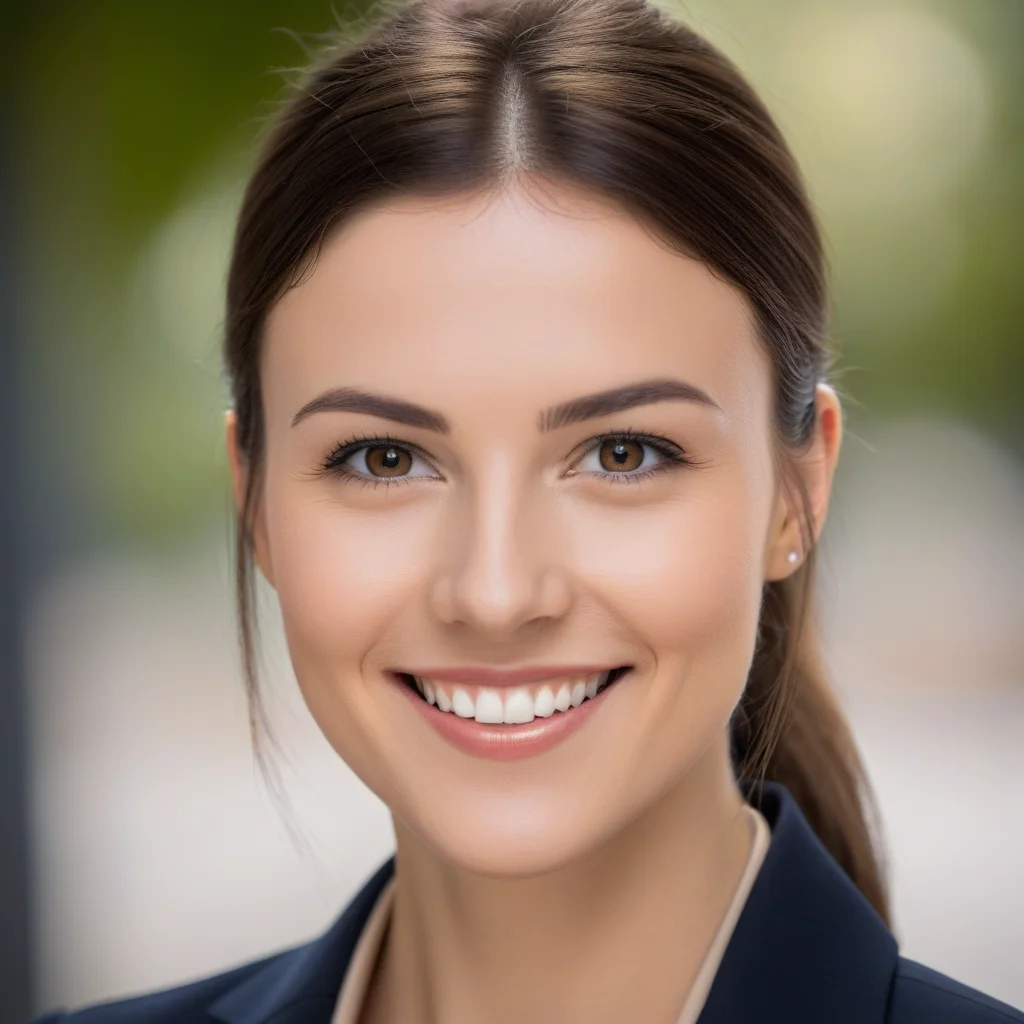
Describe the lighting in your prompt: “soft studio lighting” for a smooth corporate look, “Rembrandt lighting” for a more dramatic portrait, or “natural window light” for a fresh, approachable result. Lighting is the single factor that most distinguishes an amateur portrait from a professional one.
Specify the background clearly: “solid light grey background”, “blurred modern office” or “gradient blue to white”. Mention clothing (“dark navy suit”, “casual smart blazer”) to control the portrait’s tone. Use negative prompts such as “no glasses, no wrinkles, no accessories” if you need a specific outcome.
To generate consistent team photos, lock the same seed and style across all generations. This way you achieve the same lighting aesthetic and background for every member, as if they had all posed in the same session.
Use Cases
LinkedIn and CV: A professional headshot for your LinkedIn profile and résumé that conveys competence and trust. It is the first impression recruiters receive before reading your experience.
Email signatures and corporate websites: Companies and startups can generate uniform photos for the entire team on the “About Us” page or email signatures. No schedule coordination, no waiting for a new employee’s photo shoot.
Social media and author bios: Twitter/X profiles, Instagram, personal blogs, speaker platforms or article bylines. Also perfect for generating avatars on platforms where you do not want to use your real photo but still need a credible, professional image.
Bulk generation: Agencies and companies with dozens of employees can generate complete batches in minutes, maintaining visual coherence without the cost of a per-person session.
MitikAI: 5 free images on sign-up. From €0.08 per image. No subscription. 20 artistic styles.
Frequently Asked Questions
How much does an AI headshot cost?
From €0.08 per image. You receive 5 free images when you register, with no commitment. There is no subscription or recurring payments: you top up only when you need to.
Do the portraits look realistic?
Yes. The Photographic style produces hyper-realistic results with skin textures, eye reflections and depth of field indistinguishable from a real studio photograph. Most people will not be able to tell it is an AI-generated image.
Can I use the photo on LinkedIn?
Yes. The generated images are yours for any personal or commercial use, with no watermark or restrictions. You can use them on LinkedIn, your CV, your website or any other platform.